Support & Help

Get help with Scout4.me or report issues

General Inquiries

Have questions or need assistance? We're here to help!

Email us at hello@scout4.me

Report Issues

App-Related Issues

Report bugs, crashes, or app functionality problems

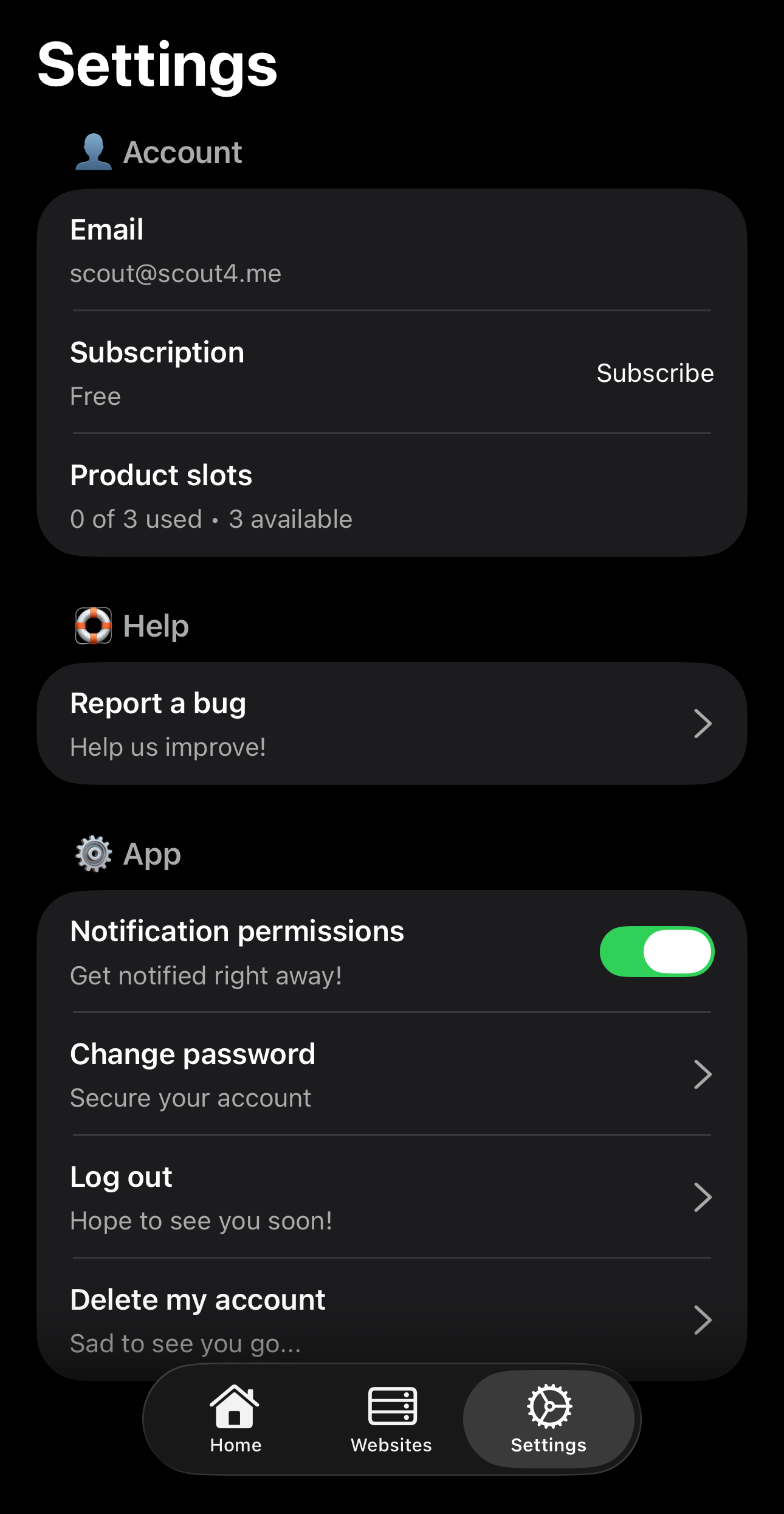
Step 1: Open Settings

Scout4.me settings screen showing the Report a bug button
Find the "Report a bug" button in Settings

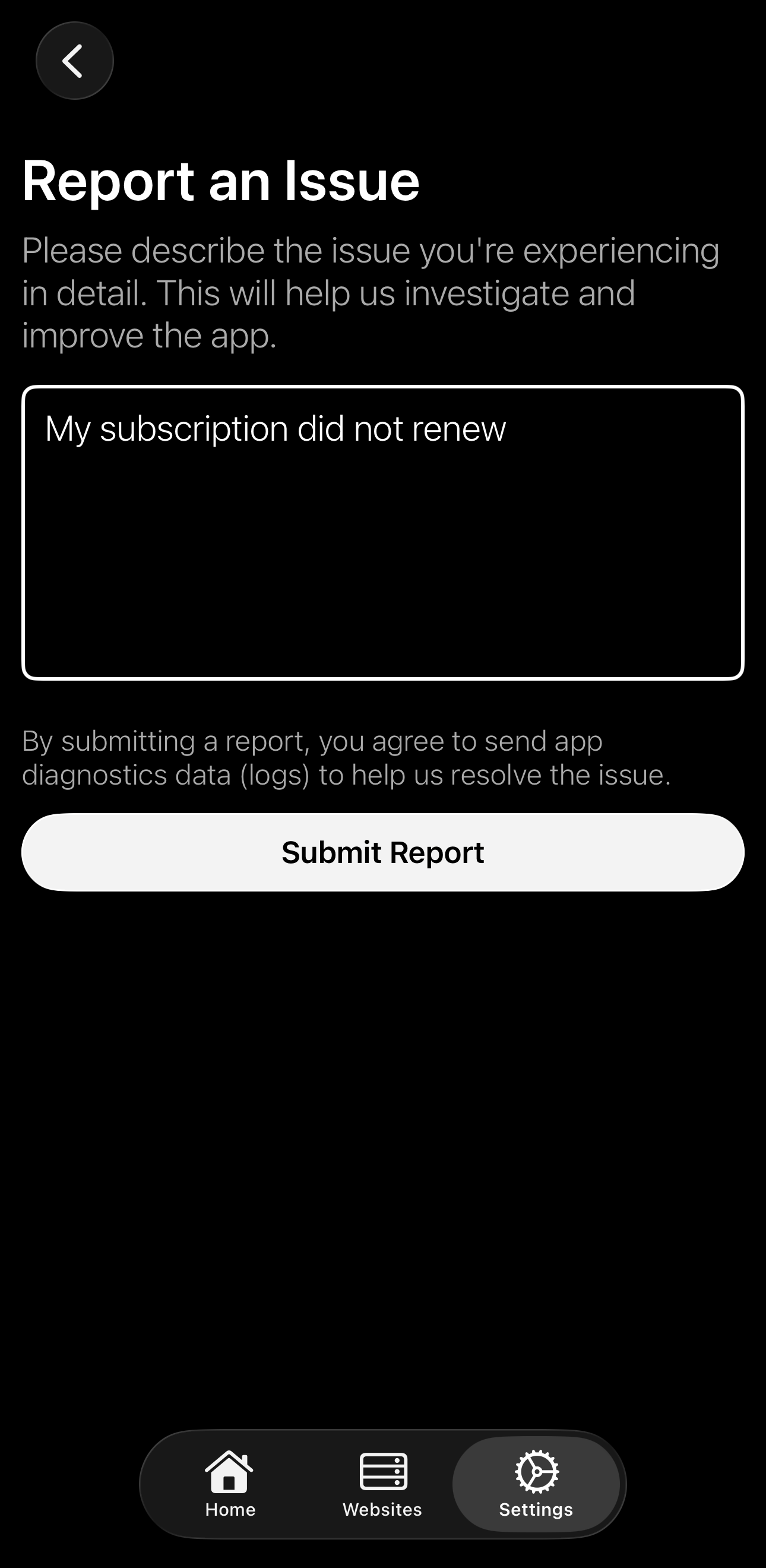
Step 2: Report Issue

Bug report form in Scout4.me app
Describe the problem and submit

Product-Related Issues

Report problems with specific scouted products

Step 1: Long Press Product

Long press gesture on a tracked product in Scout4.me
Long press the product in your home screen

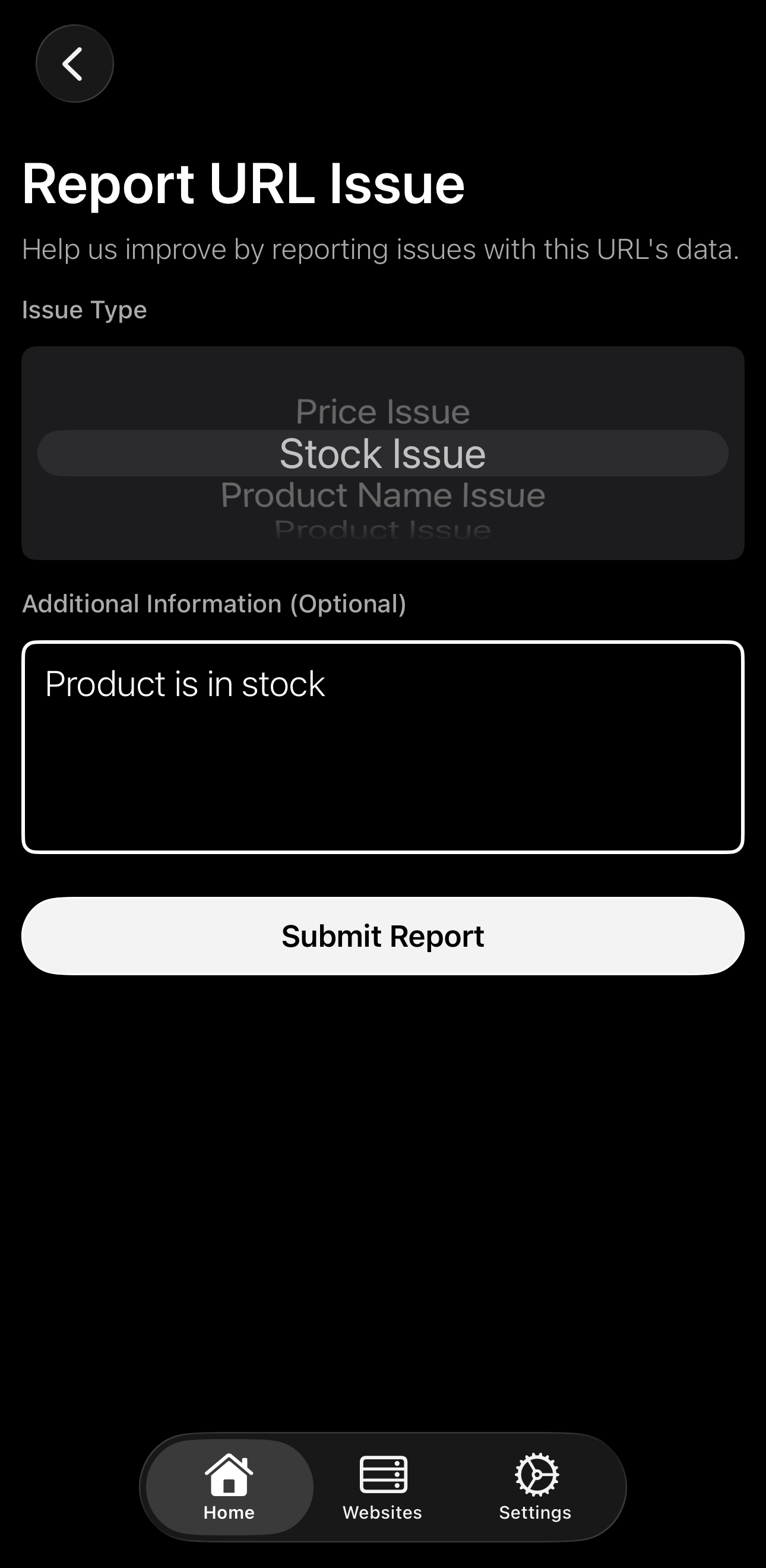
Step 2: Select Report Issue

Product issue report menu in Scout4.me
Choose a category and describe what's wrong